


Updated September 27, 2026
5 min read
Modern applications increasingly rely on real-time features to improve user engagement, deliver instant updates, and offer seamless collaborative experiences. Whether you're building live dashboards, chat systems, trading platforms, CRMs, notifications, gaming applications, or multi-tenant SaaS products, real-time communication has become a core requirement in 2026.
Laravel provides a powerful broadcasting layer, Redis offers high-performance pub/sub messaging, and WebSockets deliver persistent bi-directional communication between servers and clients. Together, they form the foundation for scalable real-time systems.
This guide will walk you through how to architect, build, deploy, and scale real-time features in Laravel using WebSockets and Redis, including best practices for high-traffic systems.
1. Understanding Real-Time Architecture in 2026
Before writing code, it’s important to understand how real-time systems behave.
A. Traditional HTTP vs. WebSockets
| Feature | HTTP | WebSockets |
|---|---|---|
| Connection | Short-lived | Persistent |
| Direction | Client → Server | Client ↔ Server |
| Latency | High | Low |
| Use Cases | REST APIs | Live updates, streaming, chat |
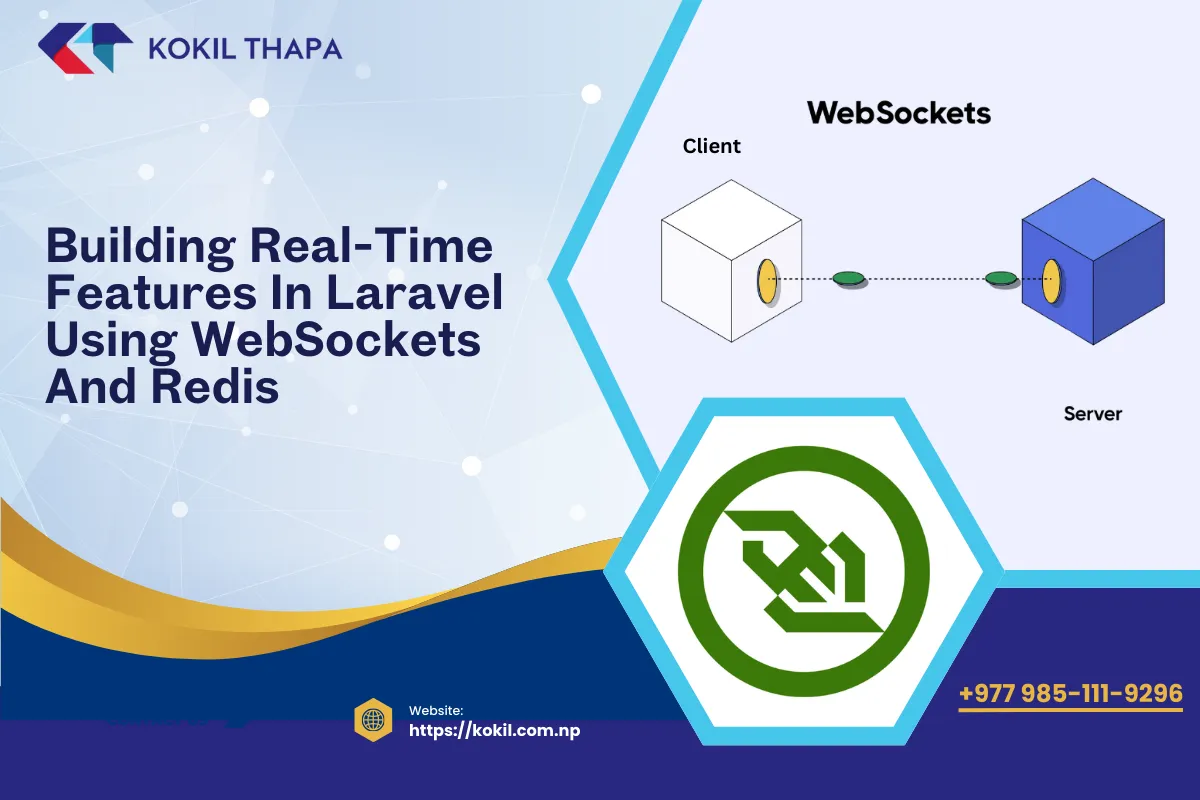
Traditional request–response methods cannot deliver instant updates. WebSockets maintain a persistent connection that allows the server to broadcast updates immediately.
B. Redis as the Real-Time Message Broker
Redis acts as:
A high-speed pub/sub channel
Fast in-memory data store
Event distribution mechanism for WebSockets
Scalable data synchronizer for multi-instance WebSocket servers
Laravel integrates seamlessly with Redis for broadcasting events.
C. Laravel Broadcasting Ecosystem
Laravel offers:
Broadcasting events
Private & presence channels
Authentication guards
Driver support (Redis / Pusher / WebSockets)
Queue-based broadcasting
This allows real-time events to be triggered directly from controllers, models, or jobs.
2. Setting Up Laravel WebSockets (Pusher Alternative)
The laravel-websockets package by BeyondCode is the most powerful self-hosted alternative to Pusher.
Install:
composer require beyondcode/laravel-websockets
Publish assets:
php artisan vendor:publish --provider="BeyondCode\LaravelWebSockets\WebSocketsServiceProvider"
Configure broadcasting:
// .env
BROADCAST_DRIVER=pusher

PUSHER_APP_ID=local
PUSHER_APP_KEY=local
PUSHER_APP_SECRET=local
PUSHER_APP_HOST=127.0.0.1
PUSHER_APP_PORT=6001
PUSHER_APP_SCHEME=http
Run the WebSocket server:
php artisan websockets:serve
Laravel Echo will now communicate with your self-hosted WebSocket server.
3. Configuring Redis for High-Performance Real-Time Apps
Redis is required for pub/sub broadcasting.
Install Redis and PHP extension:
sudo apt install redis-server
composer require predis/predis
Laravel config:
BROADCAST_DRIVER=redis
CACHE_DRIVER=redis
QUEUE_CONNECTION=redis
Redis will act as:
Event broadcaster
Queue engine
Cache store
Real-time state tracker
For large systems, use:
Redis cluster
Redis Sentinel
AWS ElastiCache
4. Broadcasting Events in Laravel
A. Create an Event
php artisan make:event OrderStatusUpdated
Update event to implement ShouldBroadcast:
class OrderStatusUpdated implements ShouldBroadcast
{
    public $order;

    public function __construct($order)
    {
        $this->order = $order;
    }

    public function broadcastOn()
    {
        return new PrivateChannel('orders.' . $this->order->id);
    }
}
B. Triggering the Event
event(new OrderStatusUpdated($order));
This pushes the event into Redis, then to the WebSocket server, then to connected clients in real-time.
5. Using Laravel Echo on the Frontend
Install Echo and Pusher protocol client:
npm install laravel-echo pusher-js
Configure:
import Echo from "laravel-echo";

window.Echo = new Echo({
    broadcaster: "pusher",
    key: "local",
    wsHost: window.location.hostname,
    wsPort: 6001,
    forceTLS: false,
    disableStats: true,
});
Subscribe to the channel:
Echo.private(`orders.${orderId}`)
    .listen('OrderStatusUpdated', e => {
        console.log("Order updated:", e.order);
    });
The client receives updates instantly.
6. Building Real-Time Features
Now let’s examine the most common features built using WebSockets + Redis.
A. Real-Time Notifications (Most Common Use Case)
Trigger notification broadcast:
Notification::send($user, new OrderNotification($order));
Laravel supports:
Browser notifications
Real-time alerts
In-app feeds
Toast messages
B. Real-Time Chat Systems
Features include:
Private messaging
Group chat
Typing indicators
Presence channels
Message read states
Presence channels allow online/offline user detection.
C. Live Dashboards / Data Streaming
Examples:
Sales analytics dashboards
Monitoring systems
Admin activity logs
IoT device feeds
Use Redis pub/sub for ultra-fast streaming.
D. Collaborative Applications
Use cases:
Document editing
Shared whiteboards
CRM activity feeds
Project management boards
WebSockets make collaboration seamless.
E. Real-Time E-Commerce Updates
Inventory updates
Price changes
Flash sale countdowns
Live order tracking
Delivery status changes
7. Scaling Real-Time Laravel Applications
A. Horizontal Scaling Your WebSocket Server
When traffic grows, a single WebSocket server is not enough.
Options:
PM2 multiple processes
Multiple servers behind a load balancer
Docker containers
Kubernetes horizontal pod autoscaling
Redis keeps WebSocket servers synchronized.
B. Redis Clustering
Redis cluster provides:
High availability
Sharding
Multi-node replication
Perfect for:
Live dashboards
Multi-tenant SaaS
High-traffic applications
C. CPU & Memory Optimization
Use:
--memory-limitfor WebSocket serverSupervisor to restart crashed workers
Octane for faster event processing
8. Authentication & Security for WebSockets
A. Authenticating Private Channels
Laravel handles this automatically:
Broadcast::channel('orders.{id}', function ($user, $id) {
    return $user->id === Order::find($id)->user_id;
});
B. Using Signed URLs for Serverless WebSockets
Prevents unauthorized connections.
C. Rate Limiting WebSocket Events
Prevent abuse or spam.
D. Encrypting Sensitive Payloads
Never broadcast:
passwords
access tokens
secrets
9. Redis Pub/Sub Patterns for Real-Time Systems
Fan-out pattern
Push event → Redis → Thousands of users instantly.
Event sourcing pattern
Store events → broadcast → replay later.
CQRS pattern
Write operations separate from real-time reads.
10. Anti-Patterns to Avoid
- Broadcasting large datasets
- Using database polling instead of WebSockets
- Storing state in WebSocket servers
- Broadcasting events from controllers without queues
- Using a single Redis instance for massive apps
- Exposing private channel names publicly
Build real-time features thoughtfully to avoid bottlenecks.
Conclusion
Real-time functionality is no longer optional—it is a core requirement for modern SaaS and e-commerce applications. By combining WebSockets, Redis, and Laravel's broadcasting ecosystem, developers can build scalable, high-performance real-time systems in 2026. From chat apps and dashboards to collaborative tools and instant notifications, Laravel provides all the tools needed to deliver an exceptional real-time experience.
To explore more advanced real-time architectures or API development, connect with a
web developer in Nepal,
ecommerce developer in Nepal, and
legal tech developer in Nepal
with expertise in building scalable real-time and cloud-native applications.
0 Comments
Leave a comment
Your email is not published. Comments appear once they have been read. Sign in to have your details filled in.








